Apple's new products: goodbye to Intel, app clips and a hand-washing timer
Plus switching AirPods, a new version of macOS and much more.
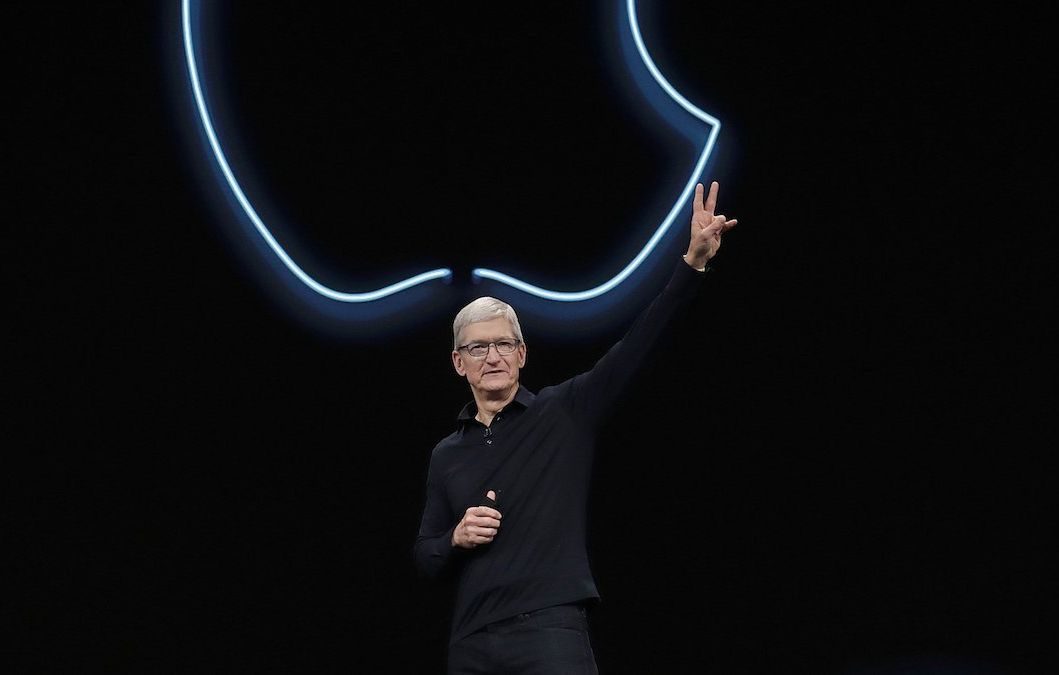
Apple's traditional WWDC 2020 forum, due to the coronavirus pandemic, took place not in person for the first time, but was filmed in advance and shown online. In June, the "Apple faithful" traditionally unveil not new devices, but new versions of operating systems for them.
And this time there was indeed a lot of news.
The end of the Intel era
Apple announced that its MacBooks will switch from Intel processors to its own Apple Silicon chips. The company promises they will work faster and consume less energy.
As Tim Cook said, the transition will take about two years and will begin this week. The first computer with Apple Silicon will be released this year. Applications written for Intel processors will not run on AS, but special courses will be launched to help developers with the transition.
At the same time, the company promises that Macs with Intel processors will be supported for many years to come.
iPhone apps will be able to run on Macs
On a laptop with an Apple Silicon chip, apps will look exactly the same as on the iPhone. And they can be installed directly from the Mac App Store.
AirPods will automatically switch between devices
Wireless AirPods will now automatically switch to the device you are currently using — of course, only those to which they were previously paired. iPhone, iPad, Mac, Watch, Apple TV — you won't have to make any extra movements.
If you are listening on a laptop but a call comes in on the iPhone, AirPods will automatically switch to the call.
iOS 14
App Clips
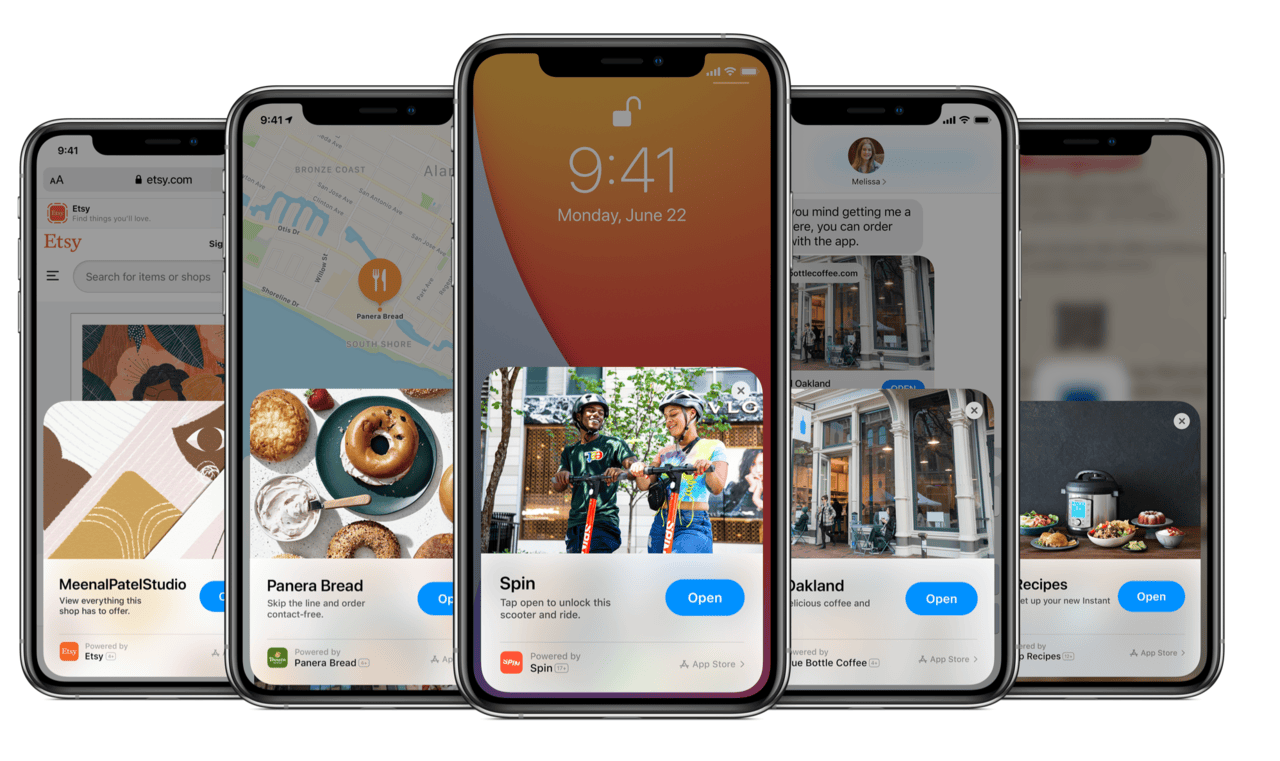
Clips — a completely new feature. These are versions of large apps on a single page, which will load in up to 10 seconds and should contain key functions.
Call widget instead of call screen
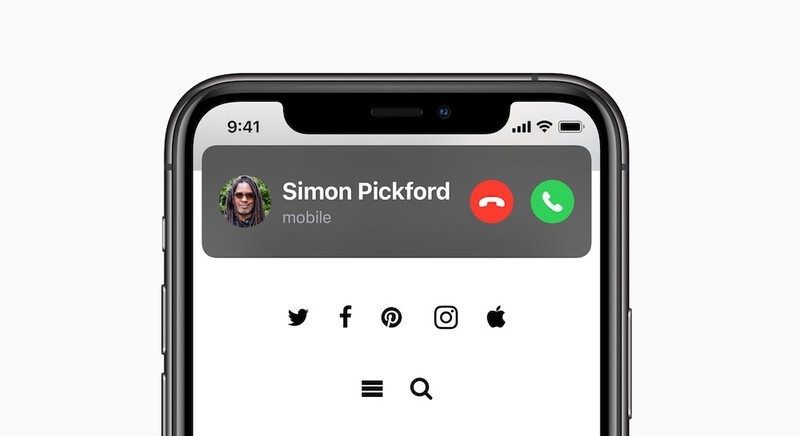
If you receive a call while working on your device, you can, if you wish, continue working — for example, typing text. Calls will no longer take up the entire screen, but will appear at the top as widgets.
App Library screen
For those who are not satisfied with multiple screens full of apps, there will be an alternative: App Library.
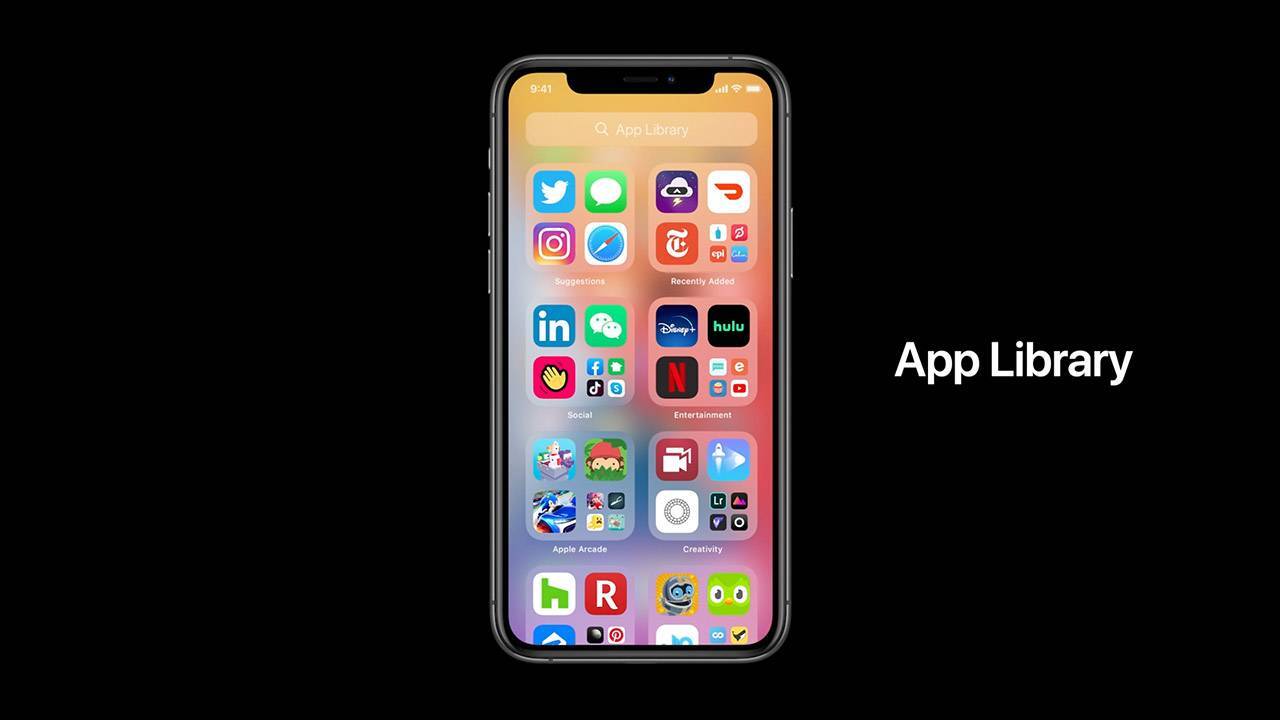
How do they differ from familiar folders, apart from design? Apps whose icons are displayed in large size can be opened with one click, without first having to go into a catalog.
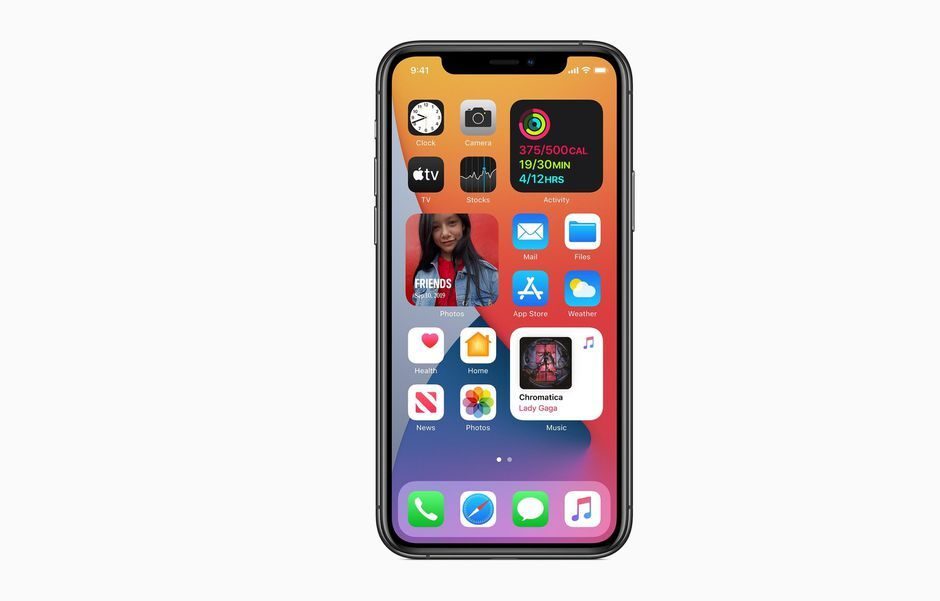
New widget design
It is no secret that widgets have not been popular on iPhones due to their not very comfortable display, but now Apple will improve their interaction.
First, they will have a completely different, more intuitive design. Second, as on Android, they can now be placed on home screens or in the App Library and arranged in a location convenient for you.
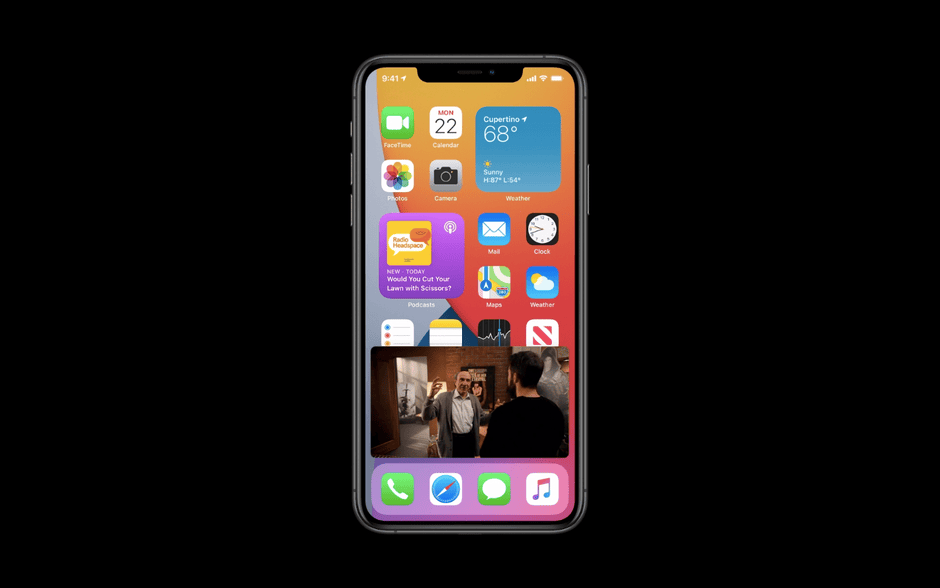
Picture in picture
You will be able to continue working and watch videos at the same time. The size of the video window is easy to change, as is its position.
Siri will no longer open a new screen
On the screen where the user activates it, its signature icon will appear at the bottom and voice commands can be given.
If you ask Siri to show the weather, it will display a weather widget at the top of the current screen.
New voice translator
It is designed specifically for conversations and supports 11 languages: English, Russian, Mandarin Chinese, French, German, Spanish, Italian, Japanese, Korean, Arabic and Portuguese.
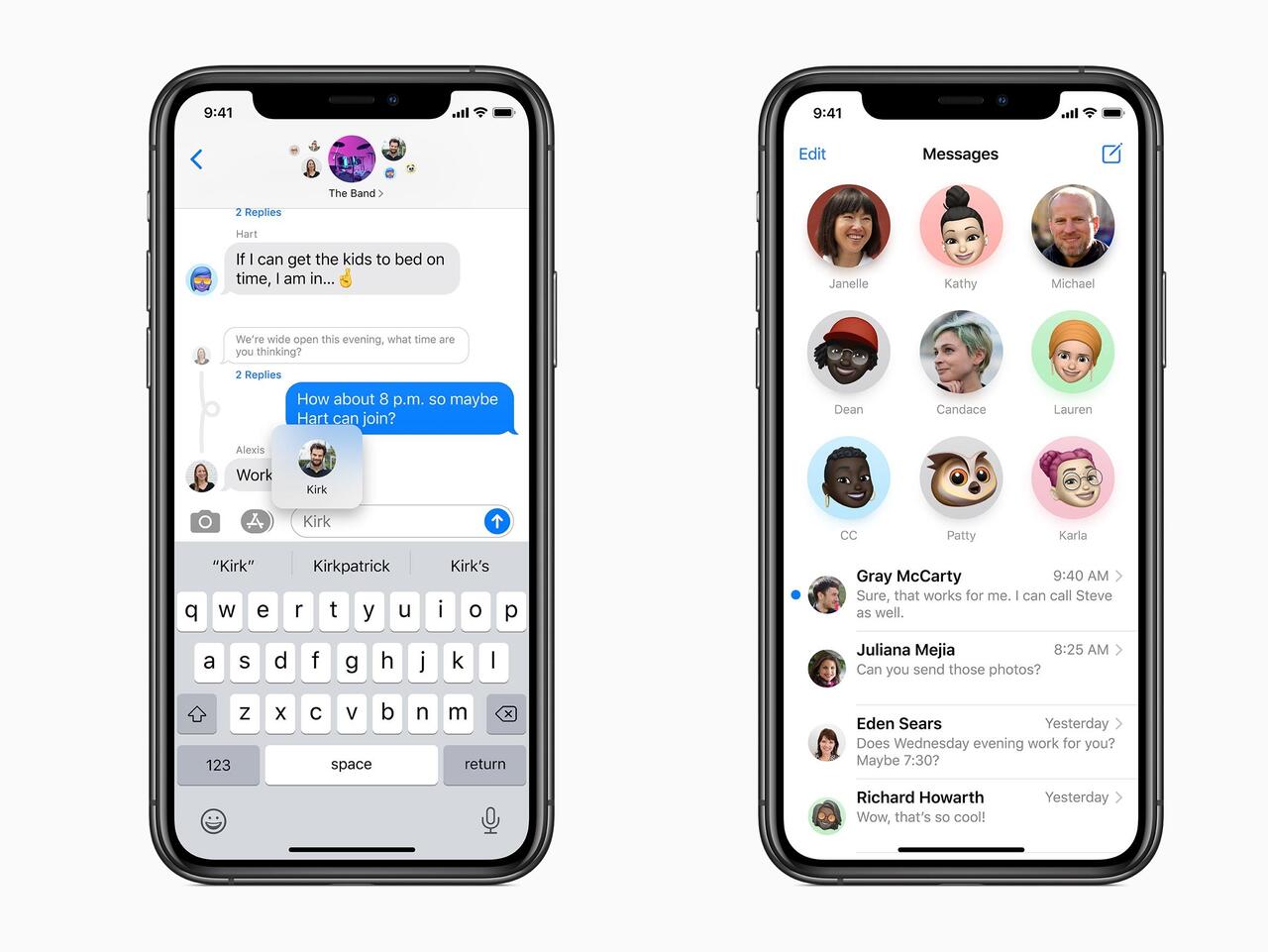
In Messages, you will be able to highlight important contacts
Optionally, group chats can be moved to the top and will be shown not as a list but as icons.
Overall, Messages will now resemble the most popular messengers much more.
You can opt out of Safari and Mail
In all previous versions of iOS, the default browser was Safari, and the default email client was Mail. But in the new version of the operating system, Apple will loosen its control and let users choose for themselves.
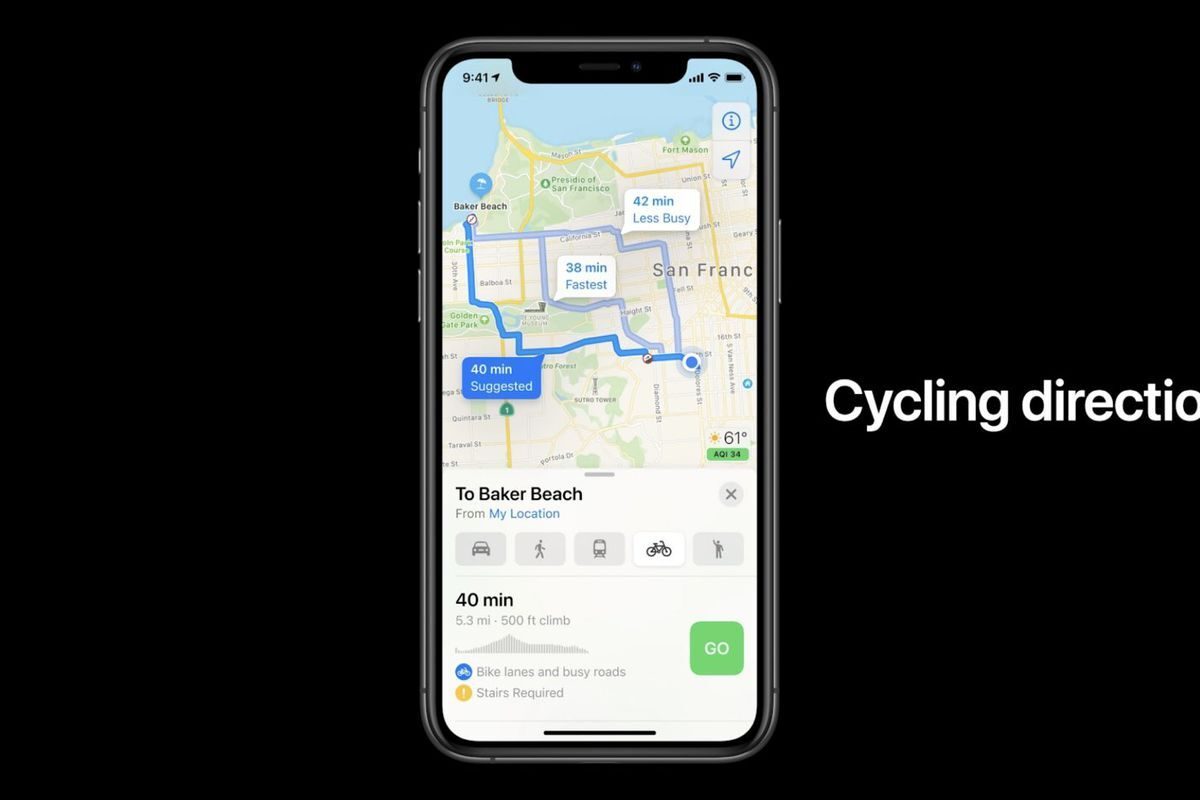
Maps will get routes for bicycles and electric cars
In Maps, you will be able to plot cycling routes. Additional information will include the route's elevation profile.
For electric car owners, Maps will be useful because the app will show the best route with charging stations.
iPadOS 14
Apple has improved the organization of space in core iPad apps, such as Photos or the file manager.
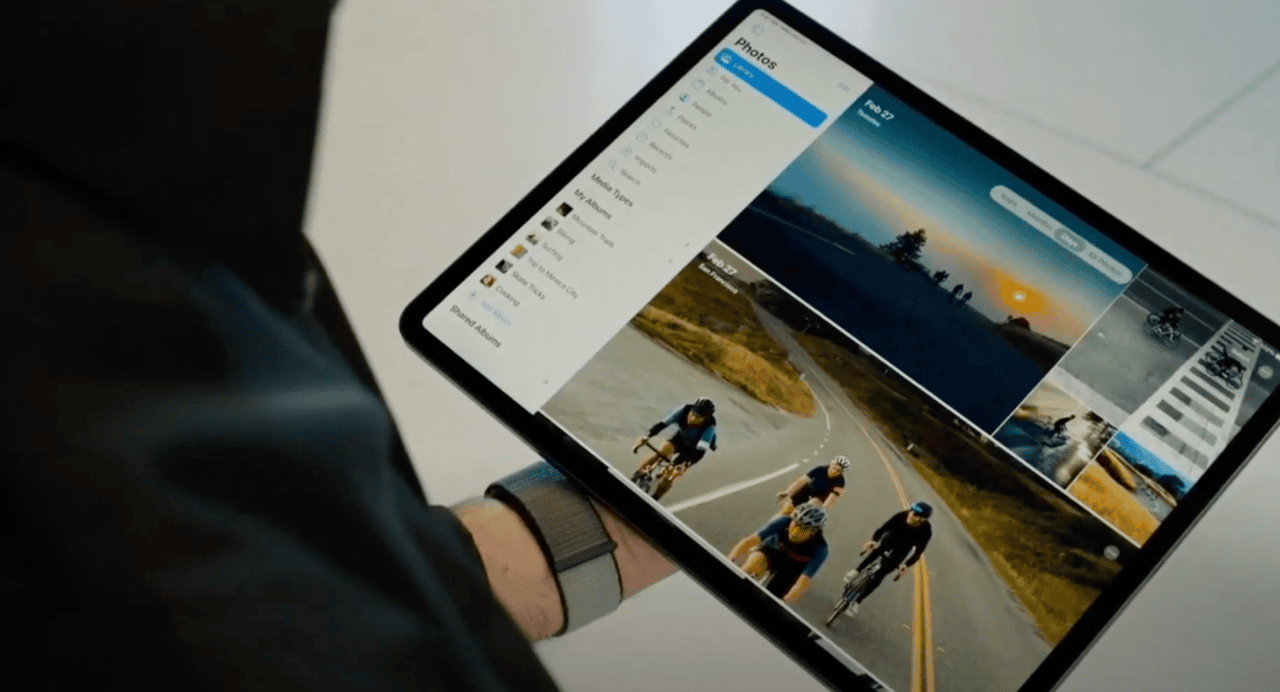
But overall, the main changes on iPads will be as similar as possible to those on iPhones and partly on MacBooks.
Especially since iPads will now get Spotlight Search, familiar to Mac users.
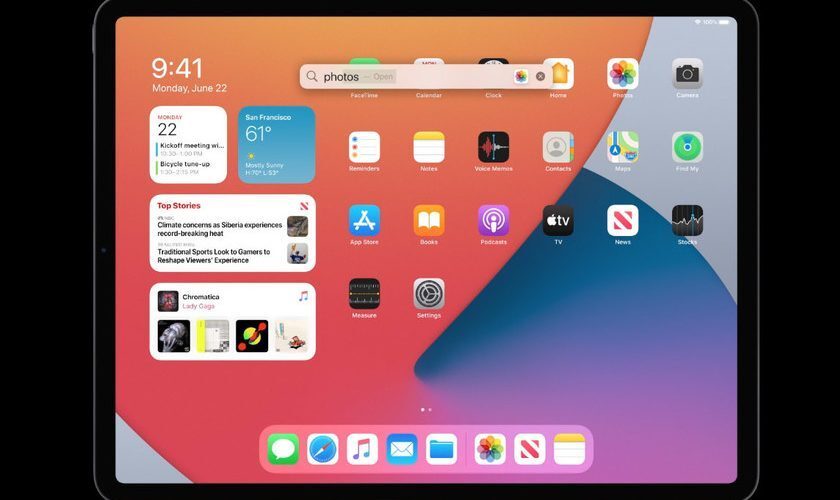
The main novelty concerning the iPad itself — Scribble. Using the Pencil, you will be able to write or draw by hand, and the device will recognize text or shapes and offer to replace them with neat ones.
In apps where text input is used, you will be able to write with a pencil by hand, and iPadOS 14 will convert the handwriting into printed text.
macOS Big Sur
Big Sur — the new version of the macOS operating system for Apple computers. Previously, Apple named its OS versions after California mountains, but now the name is taken from a mountainous coastal area — also in California, of course.
New features:
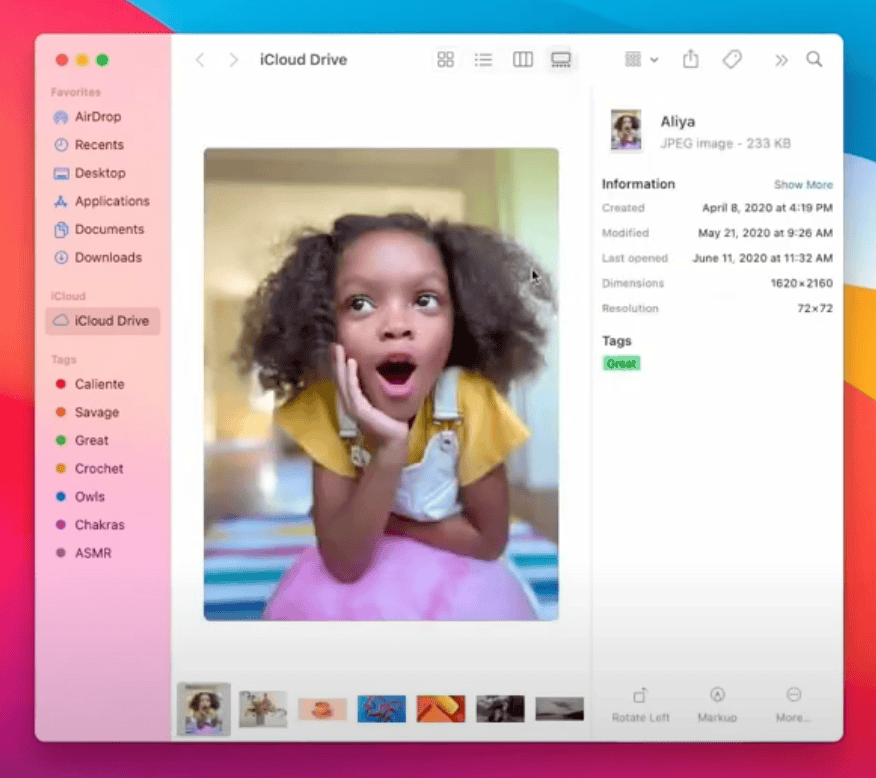
- A new overall design with more efficient use of space
- A new customizable Dock, which is very similar to the one that has been on iPads and iPhones for several years
- Icons will become square with rounded corners instead of round
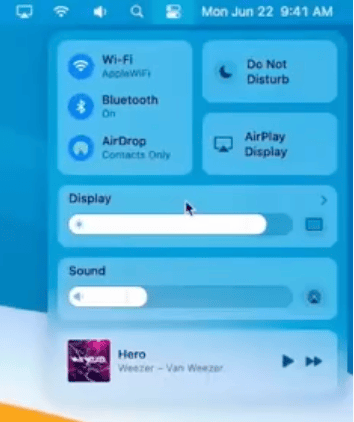
- A notification and widget panel will appear
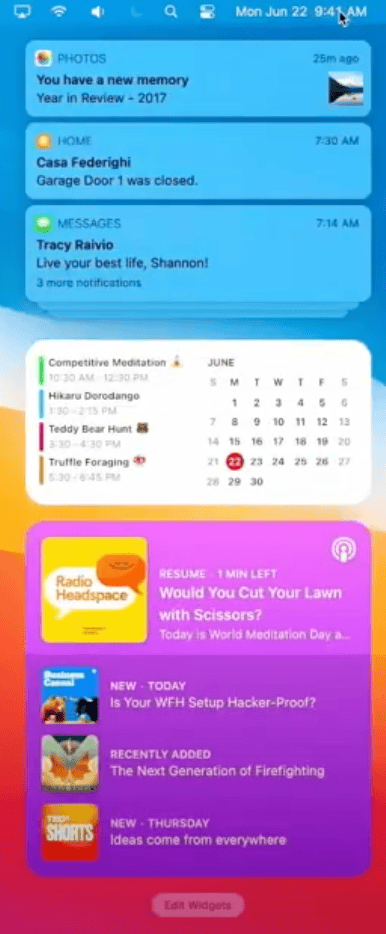
Safari updates
As on iPhone, Apple will allow users to opt out of Safari as the default browser. But it will try to persuade users not to do so with new features.
- Page loading speed in Safari will be twice as fast as in Chrome, and this will not affect battery life
- More privacy features: tapping a button will show what Safari is allowing or blocking at a given moment, and a privacy report will be available
- Safari will add support for the WebExtensions API, so plugins written for Chrome and other browsers will work in Apple's browser as well. The plugins themselves can also be downloaded from the App Store.
- Built-in translation
watchOS 7
After the release of the new version of the operating system, Apple Watch will be able to:
- Track sleep
- Recognize when you are washing your hands and time the washing, since it is recommended to wash them for 20 seconds
And many other smaller updates.

Russian Attacks in Dnipropetrovsk Region: Two Killed, Seven Injured

Defense Forces Strike Four Russian Drone Control Points in Past Day, Including in Berdiansk

Britain Threatens Sanctions on Kremlin-Linked People; Poland Ready to Hand Ukraine Ammunition

Russia says it has completed "planned exercises" in the Black Sea

MVD: Fake Riots With Prop Blood Were Being Prepared Near Presidential Office

Law Enforcers Name Another Klitschko Deputy as Suspect

Berlin Holds Protest Against War in Ukraine; EU Prepares for Possible Russian Halt of Gas Supplies
North Korea Fires Ballistic Missile Over Record Distance in Five Years
Irish Fishermen Force Russia to Postpone Naval Drills

US sanctions in case of invasion of Ukraine could completely destroy Russia's economy, NYT reports